# June 13, 2023
New portal changes and enhancements have been added to Netography Fusion for the `syslog` integration and beta features introduced.
## Highlighted features
1. The `syslog` response integration now offers `LEEF v1` and `LEEF v2` as output options.
New syslog output options LEEFv1 and LEEFv2
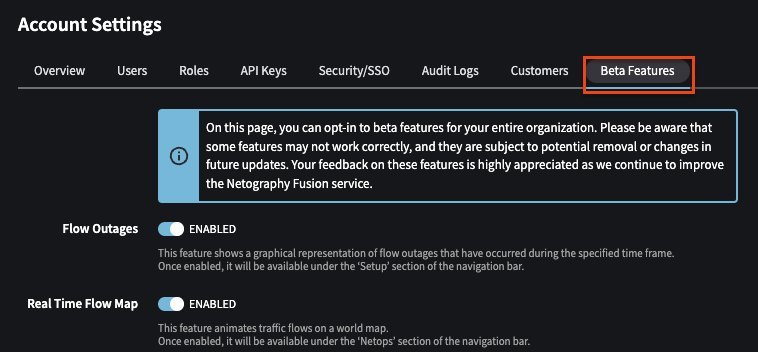
2. The previous features under experimental have been renamed to "Beta Features". Each beta feature can be enabled individually in **Account Settings**.
New "Beta Features" tab in Account Settings
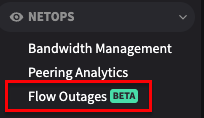
3. When a beta feature is enabled, it will appear in the left hand portal menu labeled with a **BETA** indication:
## Enhancements
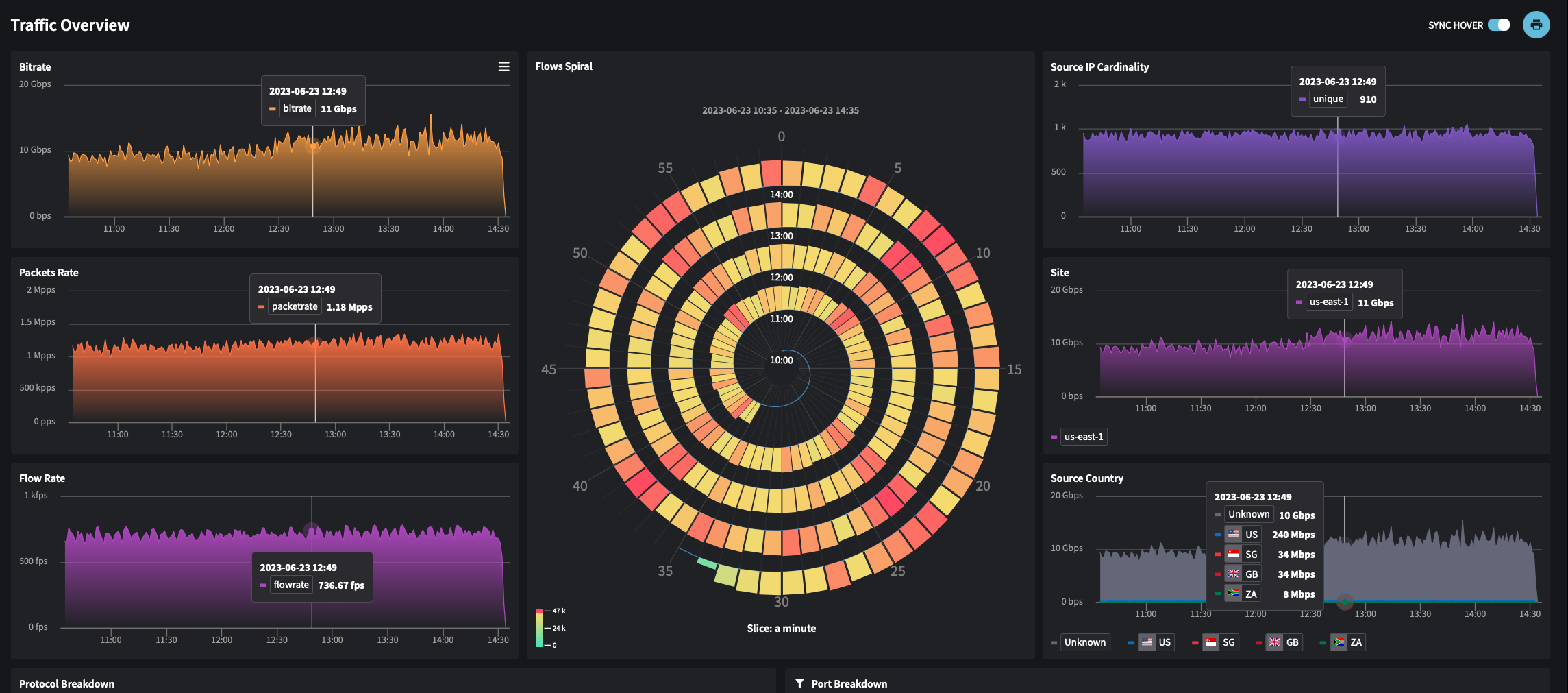
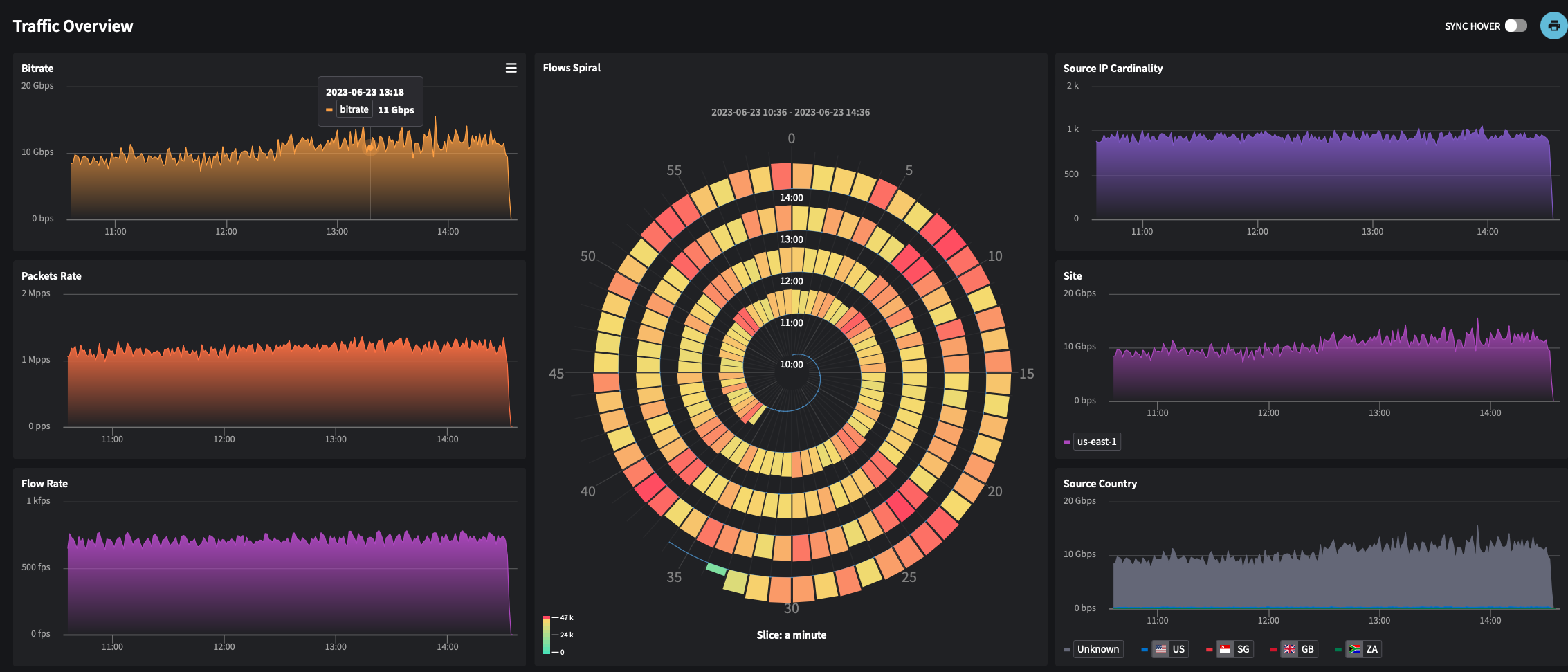
1. The option to synchronize graphs has been moved from the dashboard settings and made available as a UI option when viewing the dashboard.
Cursor hover on
Cursor hover off
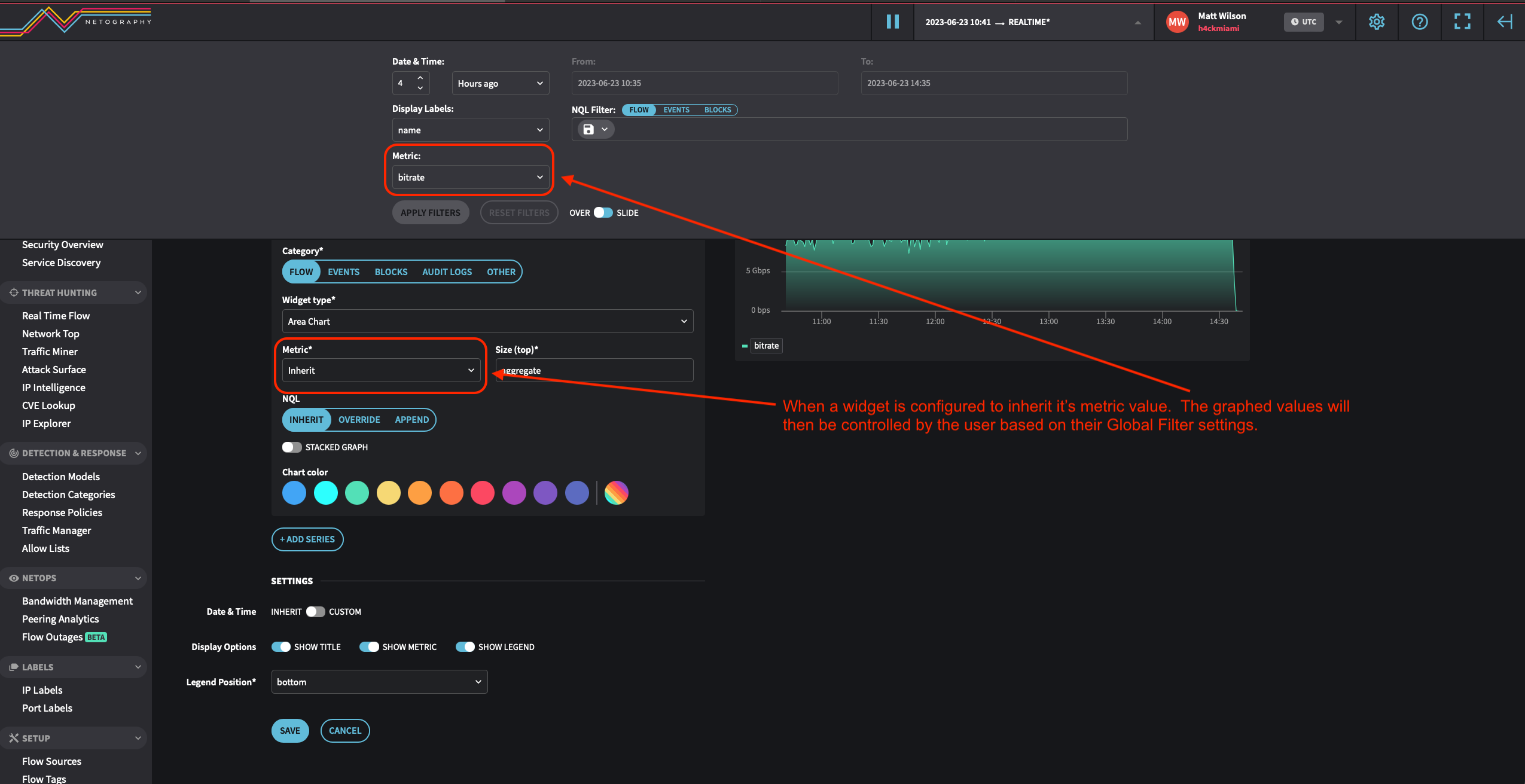
2. Users can now opt to have a widget inherit the metric value from the global filter in the Portal
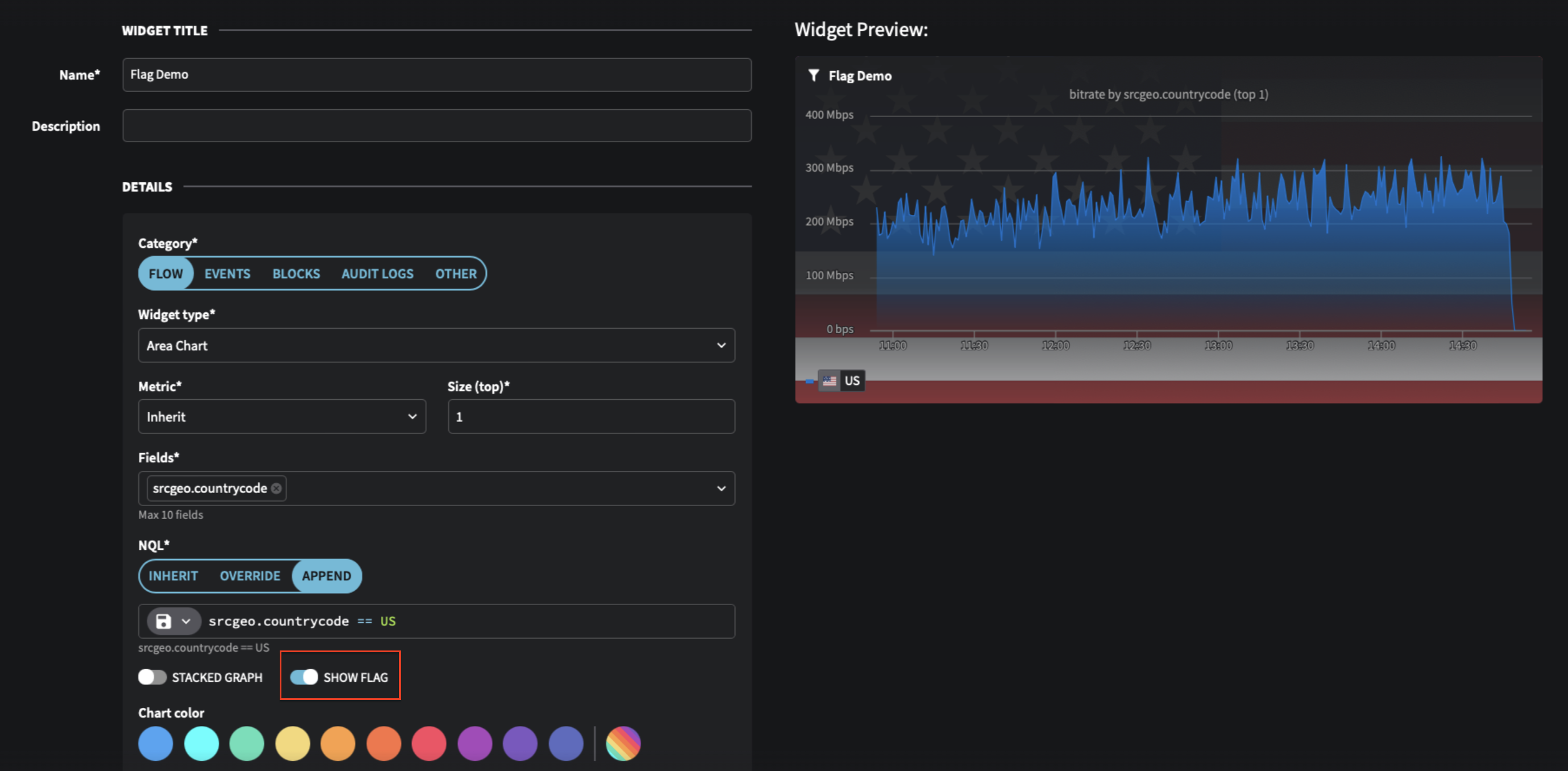
3. Single value charts now have a flag background slider option for additional customization
## Additional Changes
* **Whitelists** have now been renamed to **Allow Lists**
---
# Agent Instructions: Querying This Documentation
If you need additional information that is not directly available in this page, you can query the documentation dynamically by asking a question.
Perform an HTTP GET request on the current page URL with the `ask` query parameter:
```
GET https://docs.fusion.vectra.ai/release-notes/2023/june-13-2023.md?ask=
```
The question should be specific, self-contained, and written in natural language.
The response will contain a direct answer to the question and relevant excerpts and sources from the documentation.
Use this mechanism when the answer is not explicitly present in the current page, you need clarification or additional context, or you want to retrieve related documentation sections.